Model N-1 Security Constraints
Security constraints can be added to a production cost model to model the impact of branch outages (N-1 contingency) on active power flows. In SAInt, this is achieved with the help of contingency (CTG) objects and adding monitored branches (MBR) to the contingency.
|
This approach only works when the network event |
1. Define a contingency
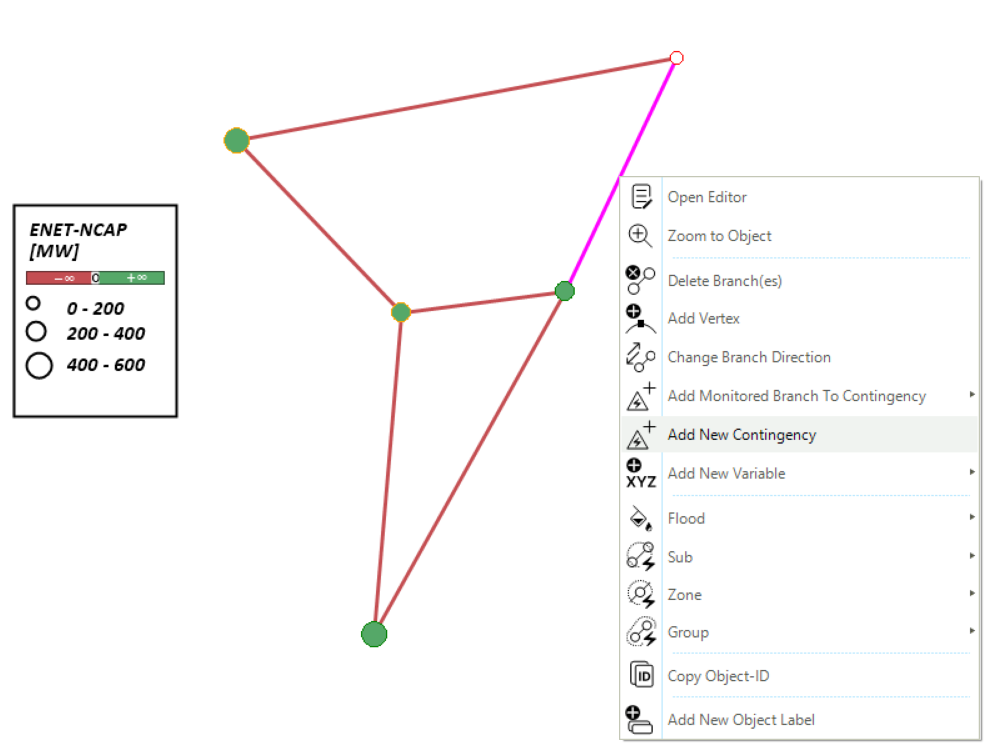
With the desired electric network open in SAInt, right-click on any branch and select Add New Contingency as shown in Figure 1. You can leave the name of the contingency as CTG_0.
2. Add monitored branches to contingency
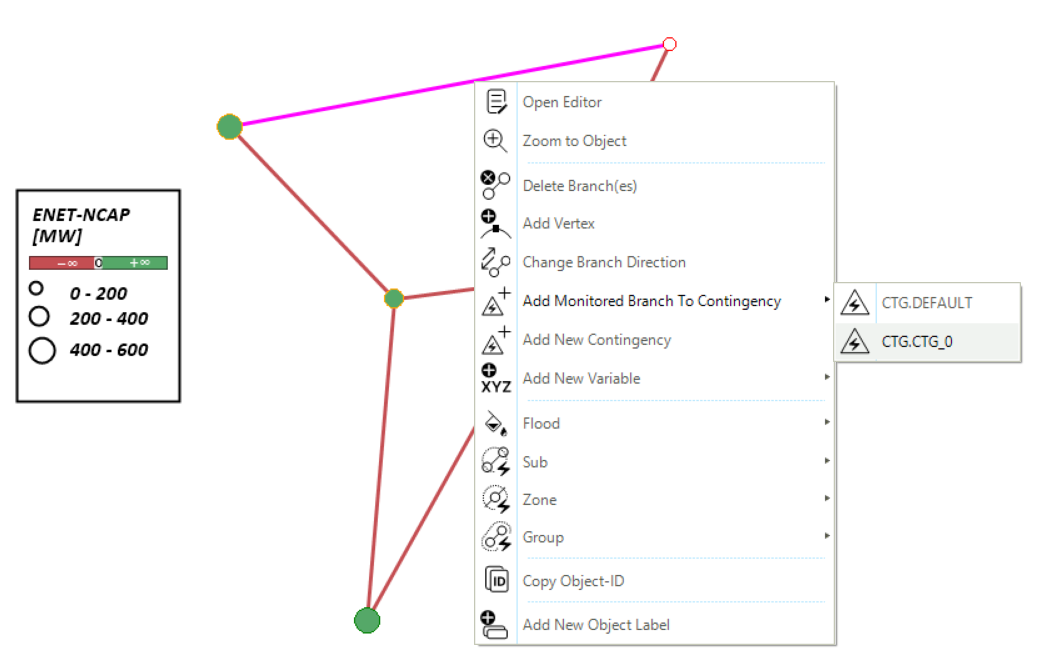
To monitor the active power flow on a branch under the contingency, right-click the branch and select as shown in Figure 2.
|
You can add multiple branches as monitored branches to a given contingency. After selecting the desired branches, right-click on one of them and select the Add Monitored Branch To Contingency option from the context menu. |
|
The default contingency |